
In this article
Lovable or Claude Code — which to choose
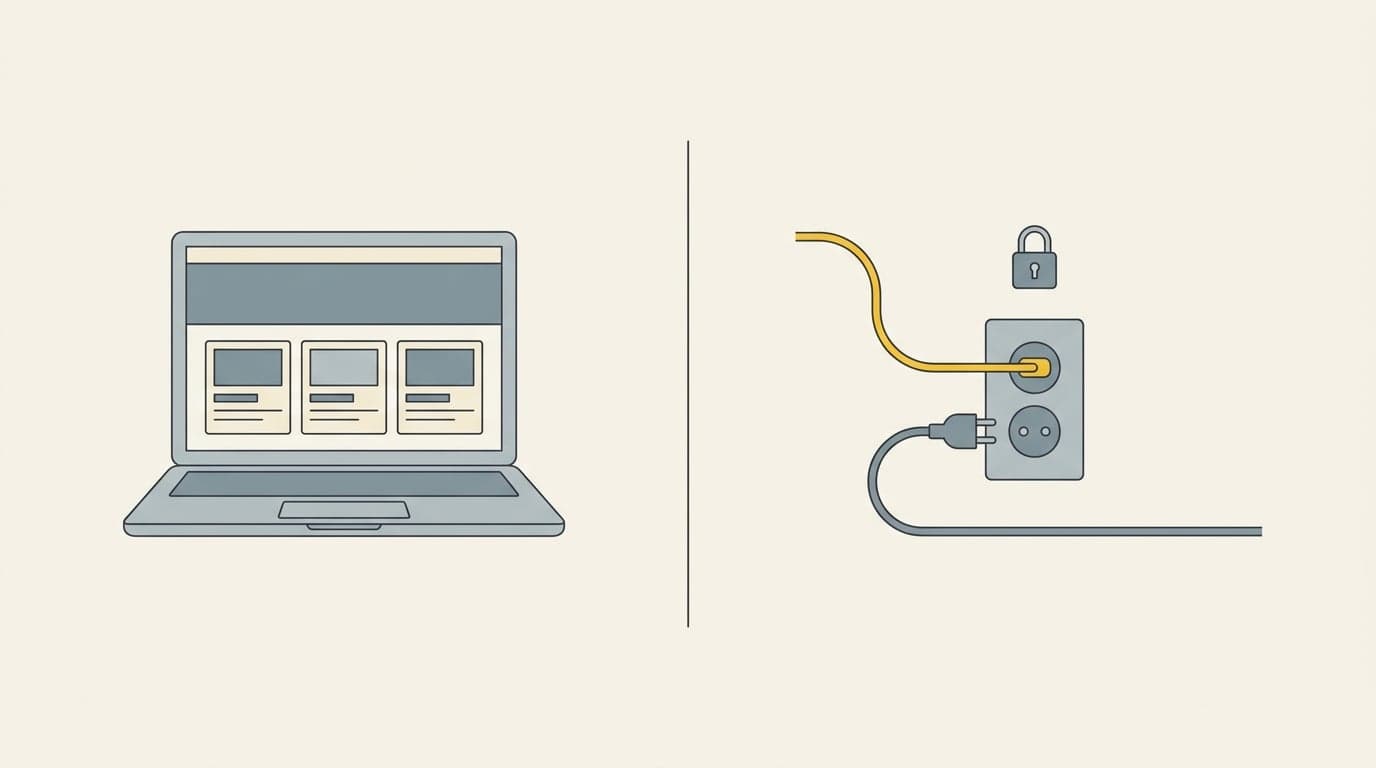
From your perspective both tools do the same thing: they turn a description into a working app. They differ in how much you want to see „under the hood” and how much control you need. Lovable is browser and clicking. Claude Code is a terminal and full control over the code.
| Aspect | Lovable | Claude Code |
|---|---|---|
| Where it runs | In the browser, nothing to install | On your computer, in the terminal |
| Who it's for | Starting from scratch, want to see results fast | Want control over code or already have a project |
| Result | A clickable app with nice UI out of the box | Real code you can keep developing |
| Learning curve | Minimal — you write what you want | A bit higher — you work in files and the terminal |
| Cost to start | Free plan to start, subscription later | Paid subscription, but the model's full power |
A prototype in Lovable step by step
Lovable builds the app from a description in the chat window. You don't see the code unless you want to — you see the live result next to it.
- Create a free account at lovable.dev and start a new project.
- In the first message, describe in one paragraph what the app should do and who uses it. Don't go into detail — the skeleton first.
- Wait for Lovable to generate the first version. Click it, check the flow.
- Refine piece by piece: „add a status column”, „reorder the fields”, „make the button green”. One change per message works best.
- Once the flow looks sensible, use the preview to share it with someone via a link.
A prototype in Claude Code step by step
Claude Code runs in the terminal and works directly on the project files. Same philosophy, but you hold real code a developer can later extend.
- Install Claude Code following the instructions on Anthropic's site and run it in an empty project folder.
- Ask it to create a simple app: „Build a Next.js app with a single client-list screen and an add form”.
- Claude creates the files and tells you how to run the preview. You open it locally in the browser.
- You refine through conversation, just like in Lovable — but you can also ask it to explain what a given part does and learn along the way.
- The code stays with you. You can zip it and hand it to us or any developer to finish.
How to write prompts that give a sensible result
The quality of a prototype depends 90% on how you describe what you want. A bad instruction is a generality. A good instruction says: who, does what, sees what, and what happens on click.
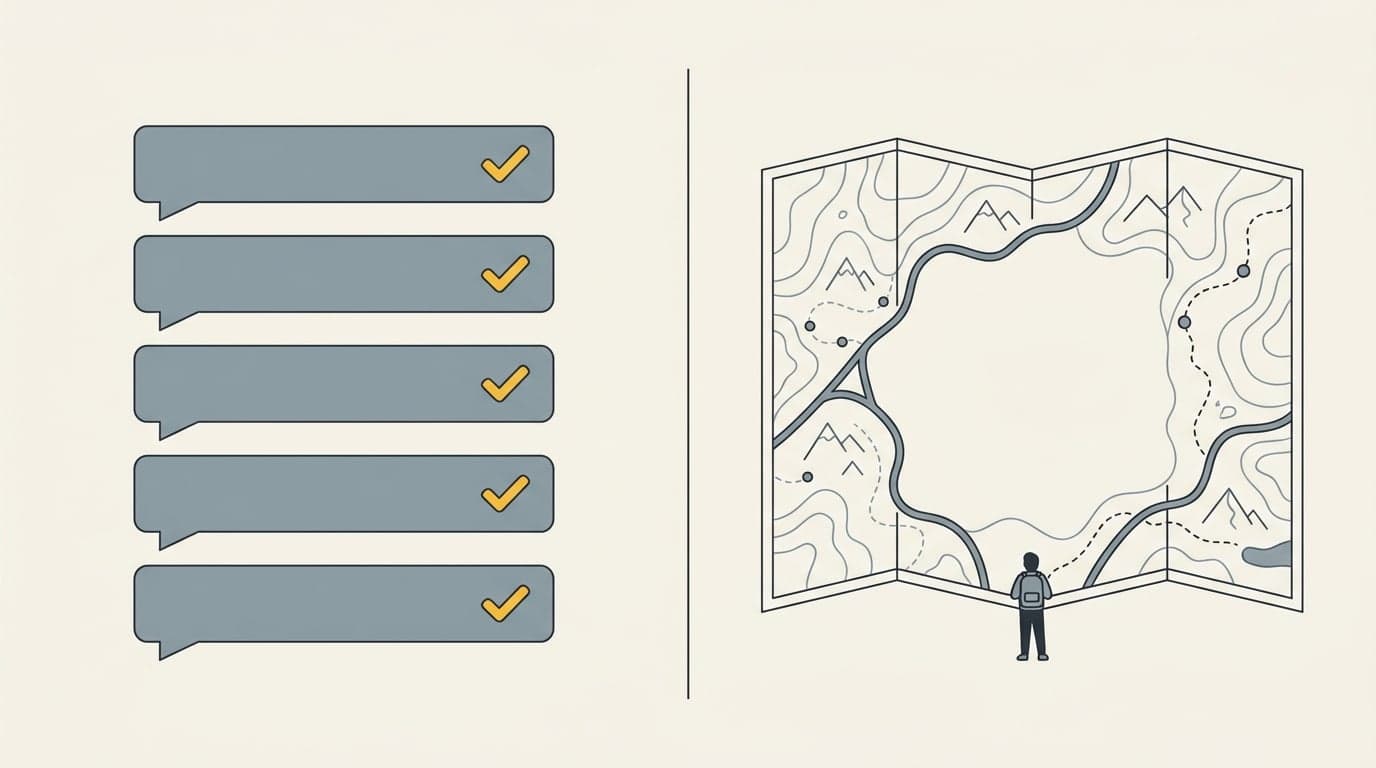
Bad
Build me a system to manage my company.
Good
Build an app for a sewing workshop owner. The main screen is an order list: columns client, product, quantity, status (new / sewing / done), deadline. The „add order” button opens a form with those fields. Clicking an order shows its details.
Context: an app for the owner of a small sewing workshop.
Goal: get control of orders instead of tracking them in a notebook.

Screen 1 — Order list:
- columns: client, product, quantity, status, deadline
- status: new / sewing / done / shipped
- „Add order” button at the top

Screen 2 — Add form:
- fields: client, product, quantity, deadline, note
- „Save” button returns to the list

No login and no database for now — data can be sample data.
Common pitfalls (and how to avoid them)
- You want everything at once. Fix: one screen, one flow, the rest later.
- You put in real customer data. Don't — a prototype is not a secure system. Use sample data.
- You confuse „works on screen” with „ready for the company”. A prototype shows the idea; it doesn't replace implementation.
- You give up after the first weird result. AI makes mistakes — tell it what's wrong and ask for a fix. That's a normal part of the work.
- You don't save versions. When something works, make a copy or a commit before asking for big changes.
What to do with a finished prototype
You have a clickable prototype — and this is the moment to talk to someone who has done it many times. A prototype shows the idea beautifully, but between it and a tool your company will stand on there's work: security, integration with what you already use, and maintenance.
Come with a prototype and the implementation conversation will be concrete from the first minute. Instead of guessing what you mean, we'll look at the screen together and say plainly what to keep and what to change.
Guide
From conversation to prototype in 24 hours — why it's worth starting yourself
Related
How to document a process before automation

Mateusz Kozłowski
Founder of flowbiz · Process automation expert
I implement automations, integrations and AI in mid-sized companies across Pomerania and Kuyavia-Pomerania.